

Turo calendar sync: how to stop double bookings for good

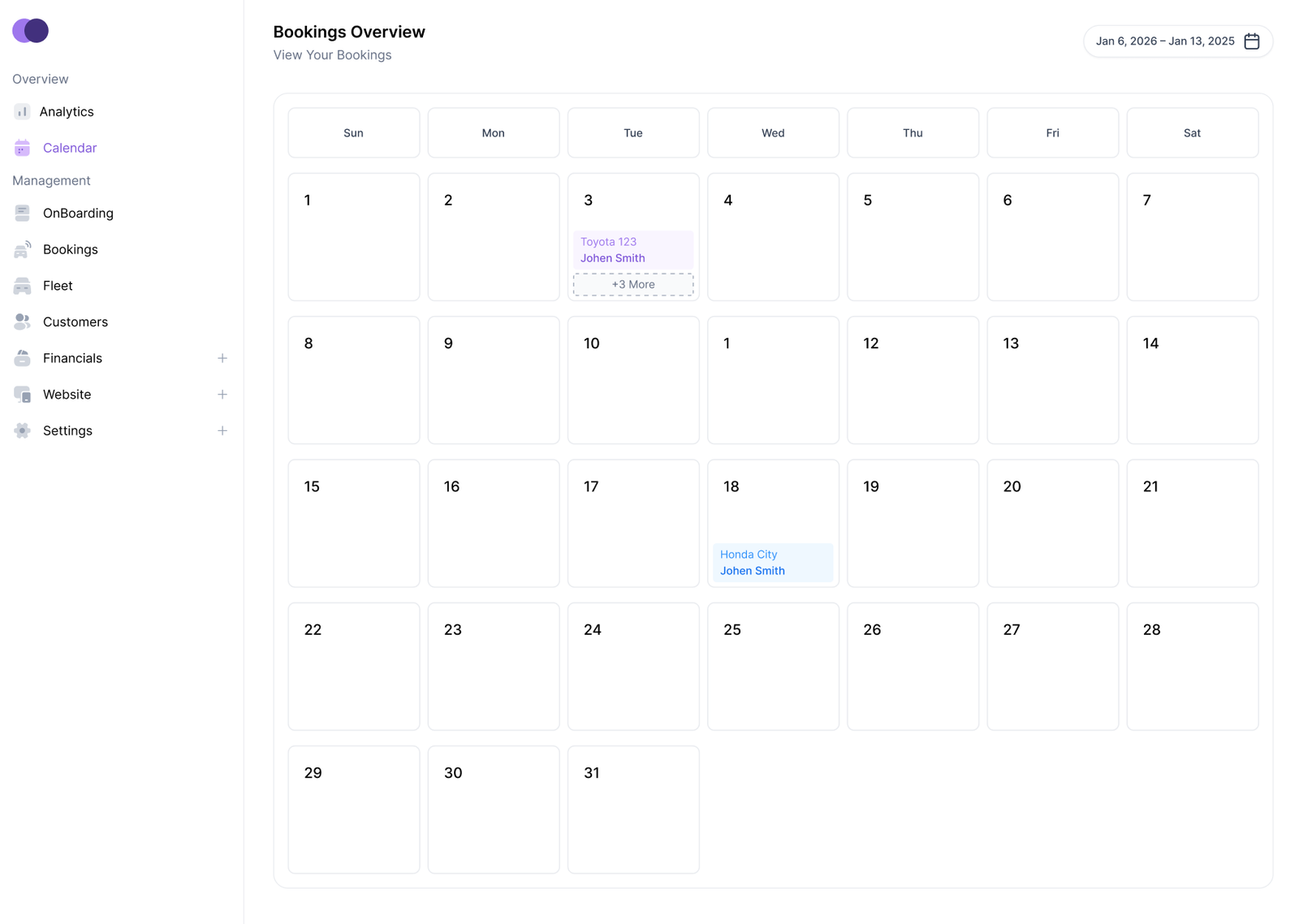
A double booking is every host’s nightmare: two renters, one car, and a weekend that starts with an apology. It usually does not happen because someone was careless. It happens because the same car is listed in more than one place and the calendars are not talking to each other. Calendar sync fixes that by keeping every listing updated from one source of truth.
Why double bookings happen
When a car is booked on one platform, the other platforms do not automatically know about it. If you update calendars by hand, a gap of even a few hours is enough for a second booking to slip through, especially on busy weekends. Manual updates also fail when you are travelling, asleep, or simply dealing with a full inbox. The risk grows with every extra listing and every extra vehicle, which is why the problem tends to appear just as a fleet starts to grow.
Use one master calendar
Pick one system as your master calendar and let the others follow it. Every booking, block, and maintenance hold should be entered there first, and sync should carry it to your other listings automatically. If you ever need to block dates urgently, block them in the master calendar rather than on a single platform, so the change reaches everywhere at once. Hosts who keep two or three parallel calendars soon find they disagree, and disagreement is exactly how a double booking happens.
Make the sync two-way
One-way sync only solves half the problem. If bookings made on another platform do not flow back into your master calendar, your own availability will still look open when it is not. Check that each connection is two-way, and confirm which fields it carries: dates, pickup and return times, and blocked days all matter. A sync that only carries dates but not times can still allow a same-day turnaround clash, so test it with a real booking before you rely on it.
Leave buffers between trips
Sync prevents overlapping bookings, but it does not create cleaning and inspection time on its own. Set a buffer between trips, particularly after longer rentals, so you can check the car, charge it or fuel it, and deal with a late return without passing the problem to the next renter. Buffers are part of the calendar too: if they only exist in your head, the system will happily book a car back-to-back and leave you no room to prepare it.
Check the sync every week
Connections can break quietly, for example when a password changes or a platform updates its settings. A five-minute weekly check is cheap insurance: compare your master calendar with each listing for the next two weeks and look for dates that differ. Also re-check after any change, such as adding a vehicle, changing a listing, or reconnecting an account. If you spot a mismatch, pause new bookings on the affected car until the calendars agree again.
Double bookings damage trust far more than a single lost weekend. FleetyFit helps hosts keep bookings, calendars, and availability in one place, so a car that is already out on a trip simply cannot be promised to someone else.


